Gmail cleaner
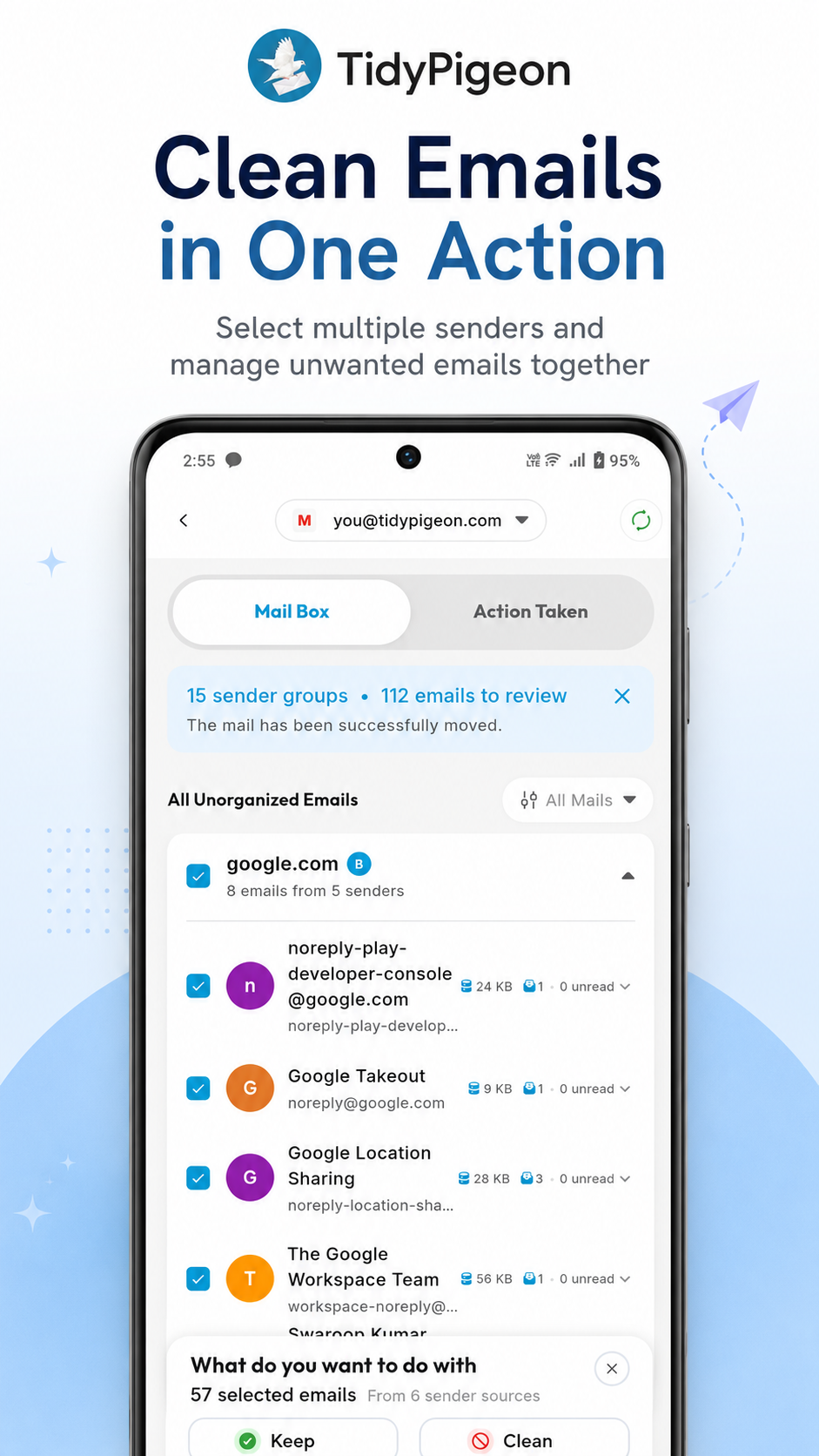
Clean emails in bulk
Group messages by sender, review what matters, and clear unwanted emails together.
TidyPigeon brings Gmail cleanup, installed apps, screen-time insights, and call & SMS information into one calm, organised place.
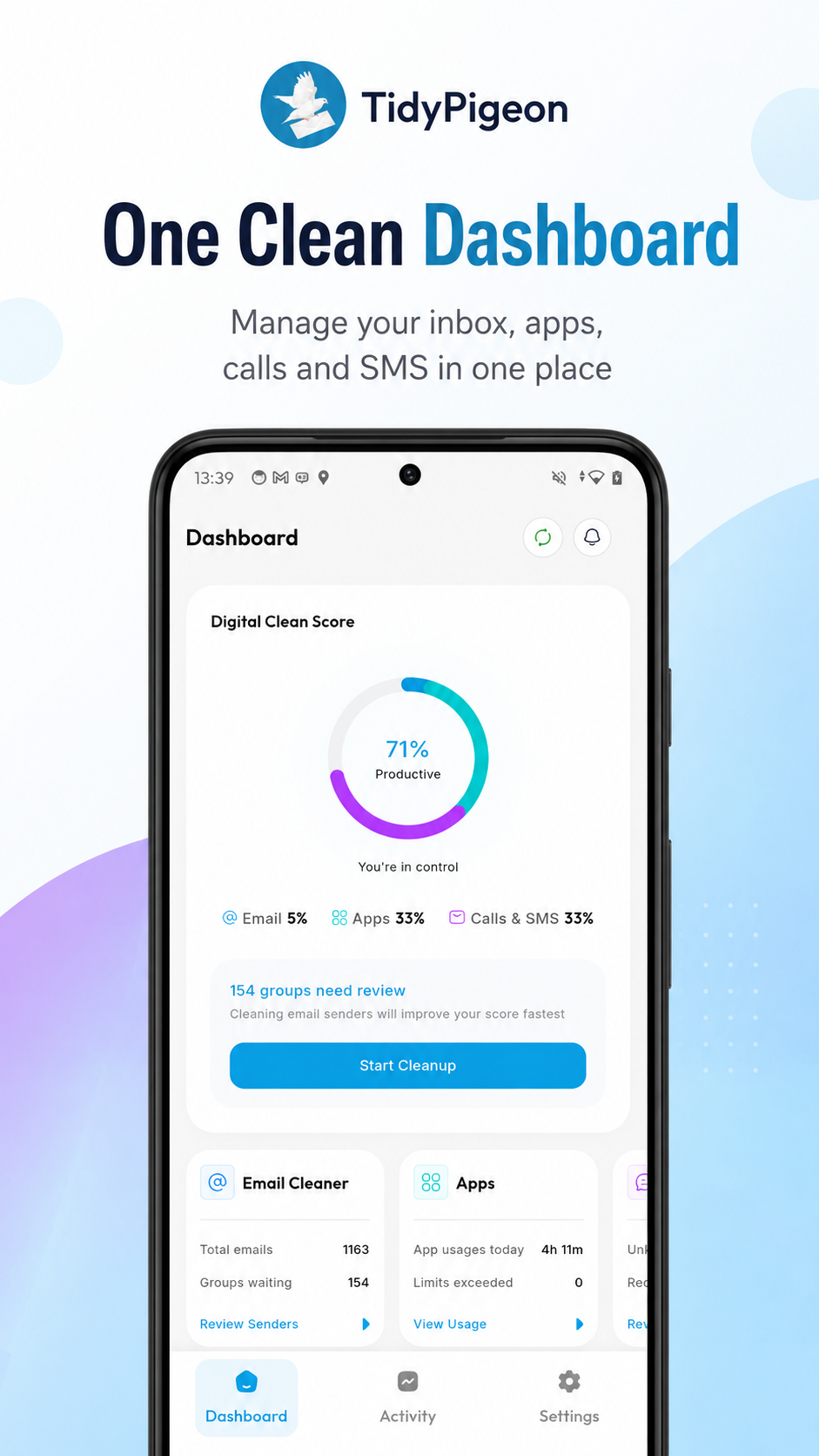
Move through the parts of your digital life that pile up fastest, without jumping between complicated tools.
Group messages by sender, review what matters, and clear unwanted emails together.
Review installed apps and make more intentional choices about what belongs on your phone.
See screen-time summaries by app and category in a clear, easy-to-read view.
Review known and unknown callers and SMS senders from one organised view.
Install the app, review your organised inbox, and take action with confidence.
Install TidyPigeon, then log in to your email account with your email address and password.
Browse your organised mail list and review messages before deciding what to keep or clean.
Keep or clean emails in bulk, and undo an action if you change your mind.
Explore a focused view for every part of your digital clean-up.
Bring related senders together, review the messages behind them, and make one clear decision.
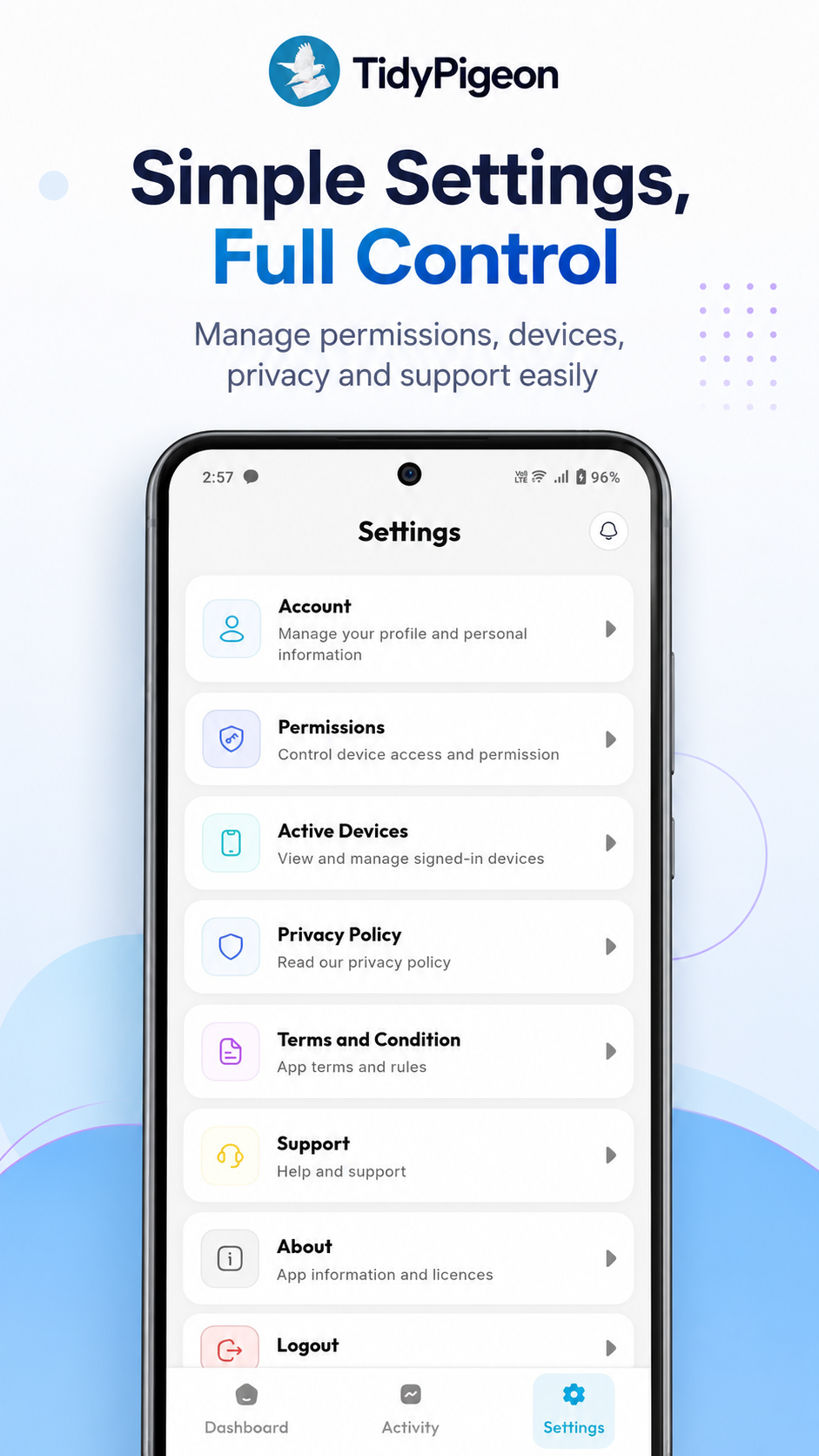
Review permissions, manage active devices, and find privacy and support settings from one straightforward place.
Need a little more help? Our support team is only an email away.
You can clean and organise Gmail, bulk delete unwanted emails, organise installed apps, understand screen time, and view call and SMS information.
Yes. TidyPigeon lets you review emails by sender and take bulk cleanup actions, saving time on large inboxes.
No. TidyPigeon is not subscription-based.
It presents screen-time information in clear summaries, making it easier to understand how your time is distributed across apps and categories.
TidyPigeon is available for Android on Google Play.
Join 10K+ users bringing email, apps and everyday information into clearer order.
 Android · 4.1★ · No subscription